SSL (HTTPS) is essential for website security, SEO, and user trust.
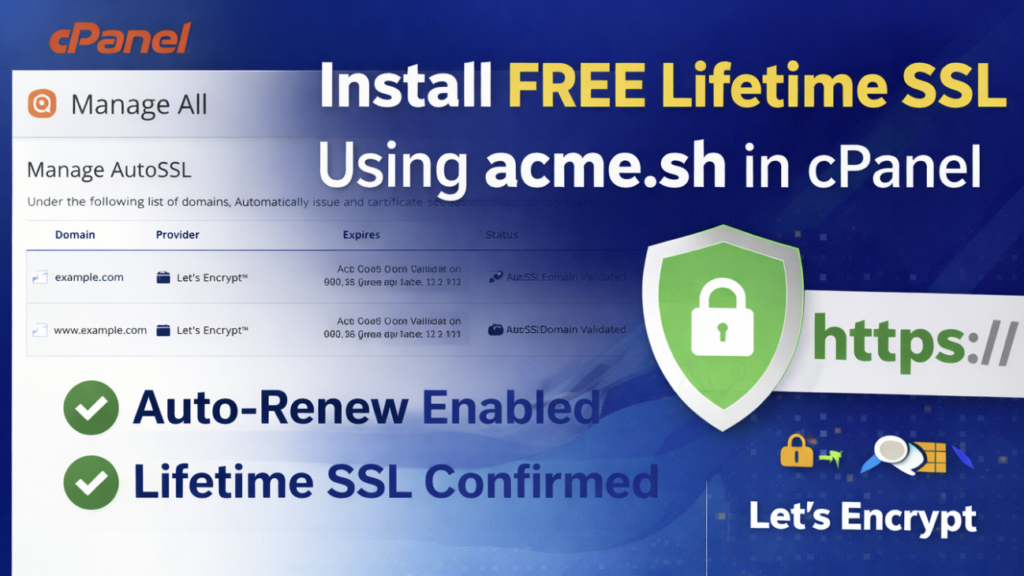
In this guide, you’ll learn how to install a lifetime free SSL certificate for both www and non-www versions of your domain using acme.sh and Let’s Encrypt on a cPanel server.
This setup includes automatic renewal, so no manual action is required in the future.
Why Use acme.sh for SSL?
acme.sh is a lightweight and reliable ACME client that works perfectly with cPanel.
Benefits:
Free SSL from Let’s Encrypt
Supports both www and non-www domains
Automatic renewal
No plugins required
Secure ECC certificates
Direct cPanel installation via UAPI
Requirements
Before you begin, ensure:
SSH access to your cPanel account
Domain and www subdomain both pointing to the server
Correct document root path
Port 80 enabled on the server
Step 1: Install acme.sh (One-Time Setup)
curl https://get.acme.sh | sh
Step 2: Set Let’s Encrypt as the Default Certificate Authority
~/.acme.sh/acme.sh --set-default-ca --server letsencrypt
Step 3: Register Your Account Email
					~/.acme.sh/acme.sh --register-account \
--accountemail example@gmail.com
Step 4: Issue SSL for Both www and non-www Domains
Example:
Domain:
example.comDocument Root:
/home/username/public_html/example.com
					~/.acme.sh/acme.sh --issue \
-d example.com \
-d www.example.com \
-w /home/username/public_html/example.com
This single certificate will secure:
https://example.comhttps://www.example.com
Step 5: Deploy SSL Automatically to cPanel
					~/.acme.sh/acme.sh --deploy \
--deploy-hook cpanel_uapi \
--domain example.com
The certificate is now installed and activated in cPanel.
Step 6: Confirm Auto-Renewal (Lifetime SSL)
crontab -l | grep acme.sh
Optional: Force HTTPS for All Traffic
					RewriteEngine On
RewriteCond %{HTTPS} !=on
RewriteRule ^ https://%{HTTP_HOST}%{REQUEST_URI} [L,R=301]
Final Result
HTTPS active for both www and non-www
Lifetime free SSL via Let’s Encrypt
Automatic renewal enabled
cPanel-compatible installation
Secure and SEO-friendly setup
Conclusion
Using acme.sh is one of the most efficient ways to manage SSL certificates on cPanel.
Once configured, your website remains secure without any manual renewals or paid certificates.
This method is ideal for single websites, multiple domains, and client projects.